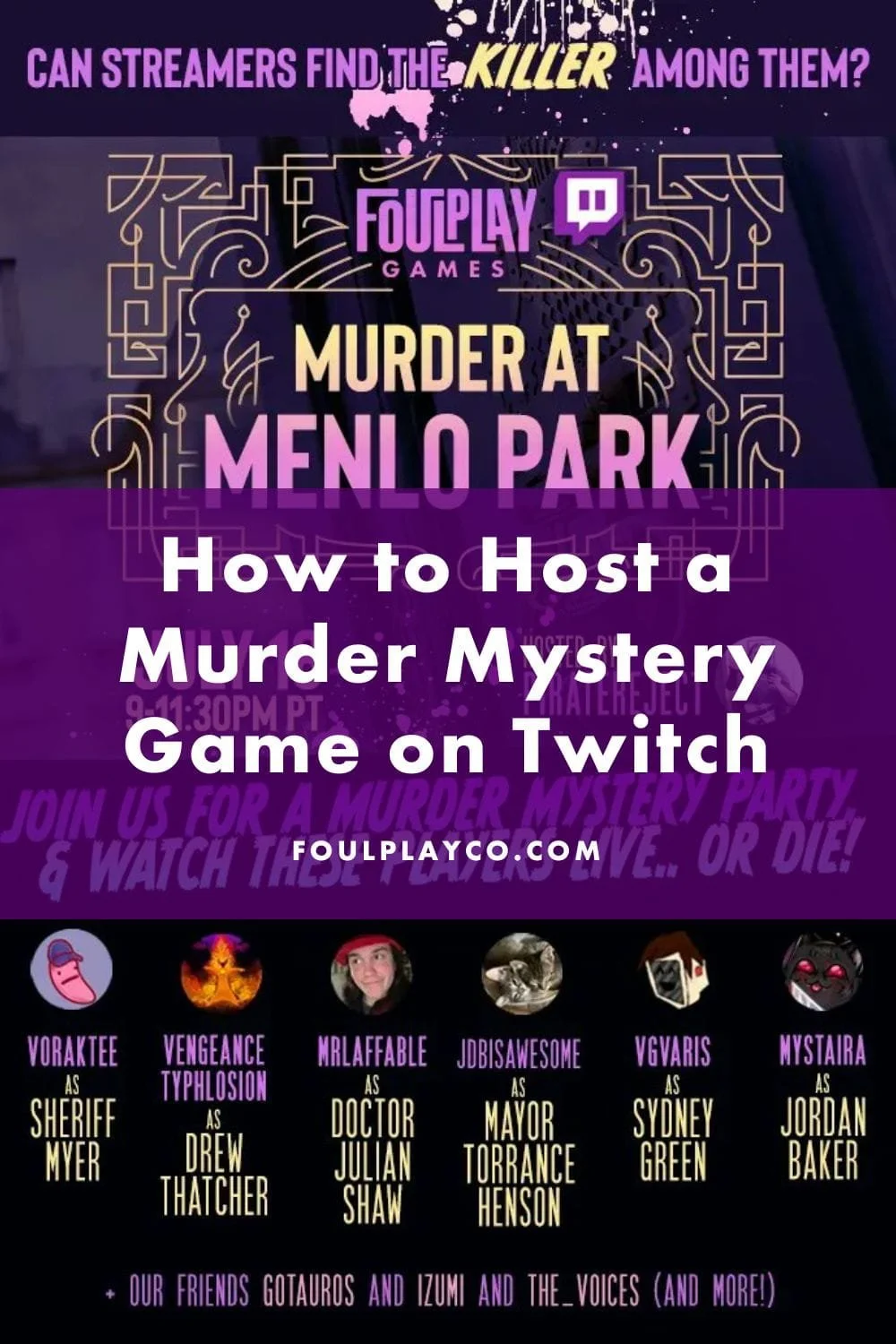
Are you looking for a creative way to collaborate with other streamers or engage your Twitch community in something beyond a typical game night? Hosting a murder mystery game on Twitch is a fun, interactive way to bring storytelling, roleplay, and audience participation together in one unforgettable stream!
Murder mystery games translate surprisingly well to Twitch. With multiple points of view, live chat theories, and dramatic reveals, our murder mystery games create a shared experience for your channel that keeps both players and viewers invested from start to finish. In this blog post, we’ll walk through how to host a murder mystery game on Twitch, what you’ll need, and how to set your stream up for success.
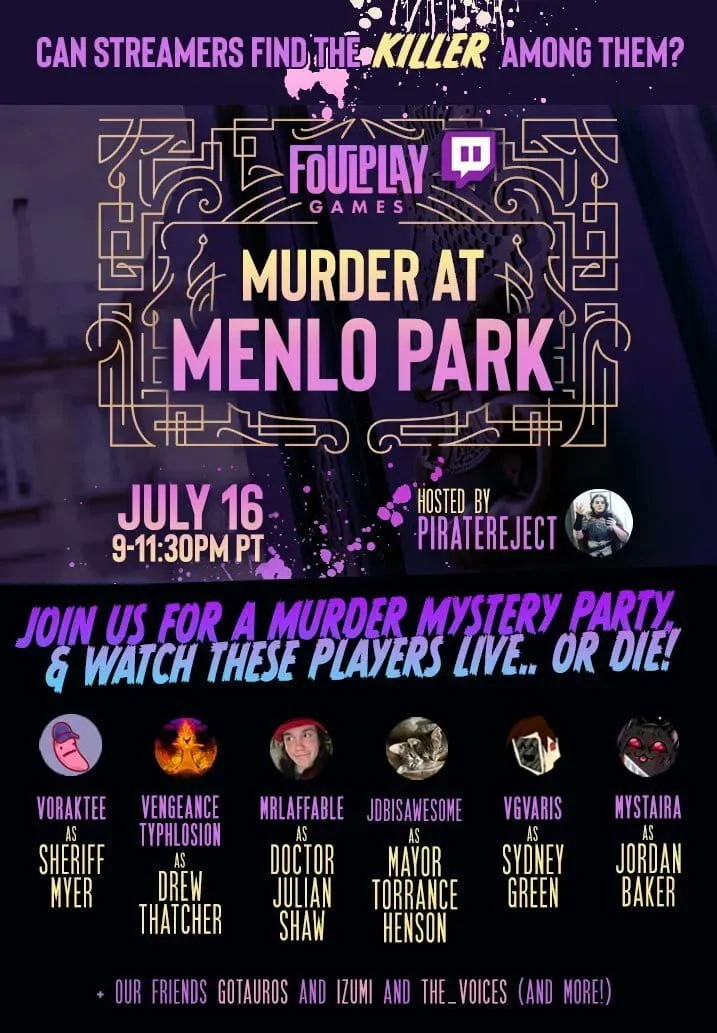
What is a Twitch murder mystery game?
A Twitch murder mystery game works much like a traditional murder mystery party, but played virtually and streamed live.
Players are assigned characters with unique backgrounds, relationships, and objectives. A murder occurs early in the game, and players must investigate, question one another, and review evidence to determine who committed the crime. Each character has personal goals to accomplish along the way, so it is not just about solving the murder, but also navigating alliances and secrets!
When streamed on Twitch, viewers can watch from one or multiple perspectives and participate through chat, polls, and predictions. The format creates suspense, humor, and plenty of unexpected twists!
Email us for a free Twitch Toolkit to plan your first stream!
Do I need a license to stream a murder mystery game?
No, you do not need a special license to stream one of our murder mystery games!
To host a Foulplay murder mystery on Twitch, simply:
Purchase the game.
Follow the terms and conditions.
Do not publicly post or distribute the downloadable game materials.
That’s it!
If you stream one of our games, we ask that you credit Foulplay Games in your stream and description, and send us the link before or after so we can share. We love sharing your streams with our community and celebrating the creative ways each group brings the story to life!
Where can I host a Twitch murder mystery game?
You will need two pieces of technology:
A virtual platform for players to interact
Your streaming software
Many groups host their games on platforms such as Zoom, Discord, or Gather. The key is choosing a platform that allows clear audio, easy breakout conversations, and reliable video connection.
For streaming, most hosts use OBS, Streamlabs, or StreamElements. It is helpful to prepare slides ahead of time for “Starting Soon,” gameplay, intermissions, and “Stream Ending” to keep your broadcast organized and professional.
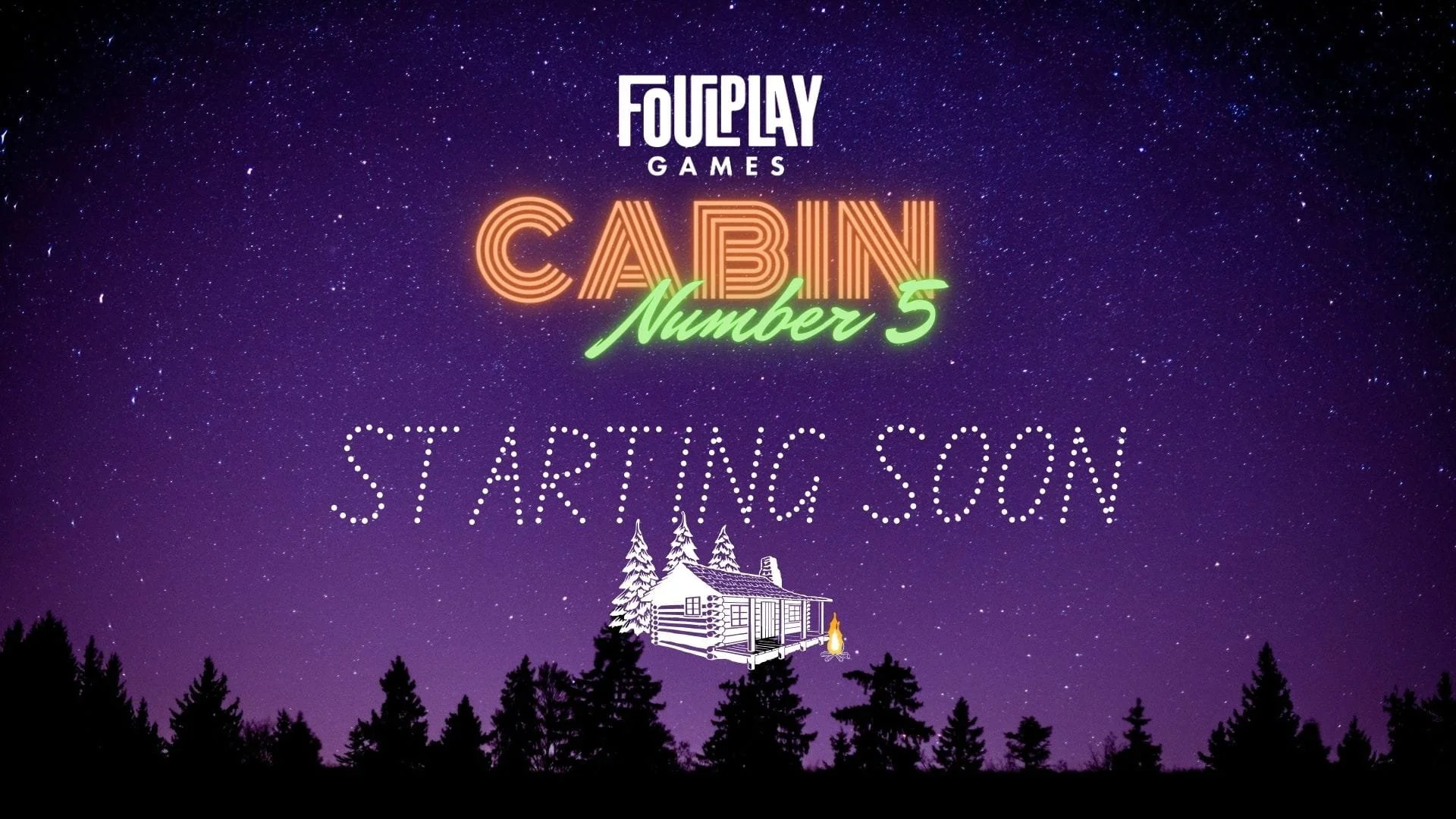
Tip: Create fun graphics!
How does a Twitch murder mystery typically run?
Our murder mystery games follow a structured timeline:
Welcome and introduction
Mix and mingle in character
The murder occurs!
Goals and Objectives distributed
New evidence or plot developments
Investigation wrap up and final whodunnit guesses!
Accusations and reveal
Plan for approximately two and a half to three hours of gameplay. When streamed on Twitch, games may run slightly longer due to audience interaction and discussion.It is always a good idea to schedule a technical check with players about 30 minutes before going live to ensure microphones and cameras are working properly.
Responsibilities as a Streaming Game Host
As the host you are the “game master” of this event. Treat it like a one-shot collaborative narrative campaign but remove the complicated dice rolls!
You will make sure fellow streamers have everything they need before the game starts, and then run the game schedule through the story beats as outlined in the Host Guide. You will also have the flexibility to fill in as extra characters to help round the game out if you would like!
As Host, you can choose to not know the identity of the murderer if you wish! We include instructions for how to assign all Major characters, including the murderer, if you would prefer to be surprised along with your fellow players and viewers!
Responsibilities as a Streaming Player
Foulplay Games are a mix of a social deception game, a D&D one shot, and live action Clue. They require a certain amount of cooperation while also trying to accomplish individual goals. Players can dive into their character’s role and act as they feel their character would act!
Players should embrace the fun of embodying a character and molding their personality while also being a good sport and respecting everyone’s time and game experience. Things may happen in the game that will not go the way people expect, both in good and bad ways, but players should remember to move forward with good intentions and a commitment to fair play so everyone can enjoy the experience!
Your players do not need previous murder mystery experience or need to be fellow streamers. Running a murder mystery event with other streamers is absolutely encouraged, but also feel empowered to recruit reliable players from your chat, social feeds, and friends/family.
How can I engage with the chat during the game?
Twitch murder mystery games are fun because chat becomes part of the investigation.
Here are easy ways to engage viewers:
Run a “Whodunnit?” Poll
Let chat vote on who they think the murderer is.
Let Chat Pick the Next Interrogation
If your game has an investigator role, have viewers vote on who gets questioned.
Drop Suspicion Prompts
Ask: “Who’s acting the most suspicious right now?”
Use a chatbot to automate reminder messages every 20–30 minutes so new viewers know what’s happening.
After the Stream
Award Certificate Emails
Email attendees award certificates if you didn’t have time during the game.
Thank You Email
Send a thank-you email, and include some fun game highlights!
Ask streaming players if they’re willing to share a VOD of their experience, for the memories or a reel to share with your viewers.
Tell us how it went!
We want to know how your stream went! Please get in touch with us over email at Foulplaycompany@gmail.com and tag us on Facebook @foulplayco, Twitter @foulplayco, and Instagram @foulplay.co. Send us a link to your stream, any clips for us to promote on our social channels and who to tag, and any reviews or photos.